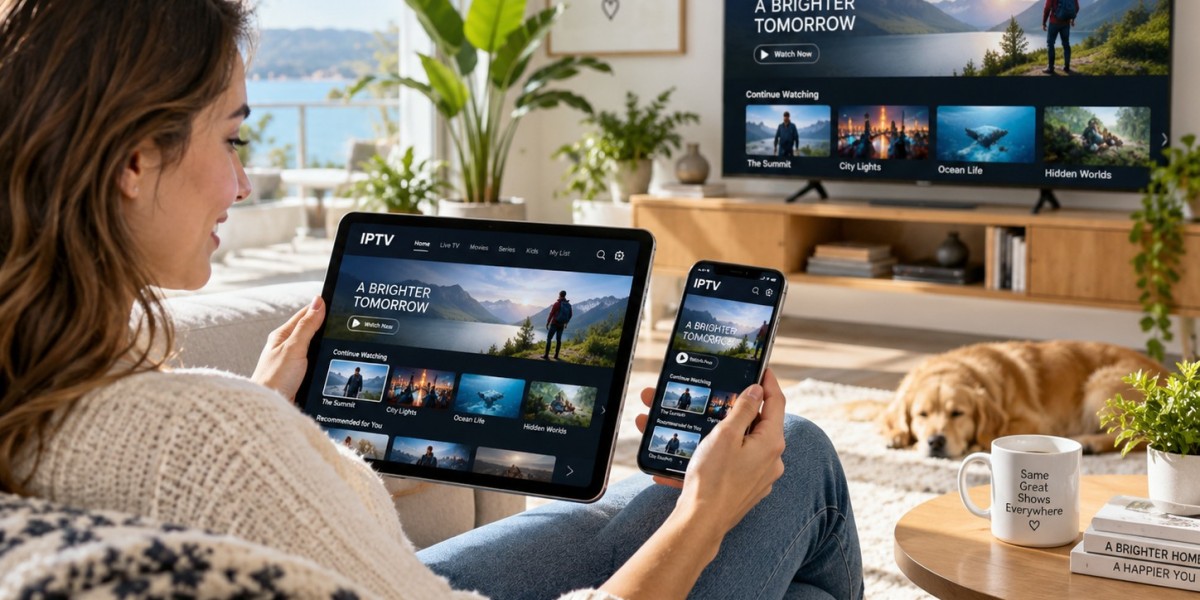

A television can offer access to hundreds of channels, but having more choices does not always make watching easier. When channels are poorly arranged, finding a favorite news station, sports broadcast, or entertainment program can become a frustrating task. Scrolling through a long list takes time, particularly when viewers regularly switch between a small group of familiar channels.
A well-organized channel lineup makes everyday television use more convenient. It helps viewers find relevant programs quickly, reduces unnecessary searching, and makes the experience simpler for everyone who uses the same television. Whether someone uses a traditional TV service, a smart television, or an internet-based platform, a few practical adjustments can make channel navigation much more efficient.
Start by Identifying Your Most-Watched Channels
The easiest way to organize television channels is to understand which ones you actually use. Before changing the lineup, spend a few days noticing which channels you watch regularly. You may find that a relatively small selection accounts for most of your viewing time.
Consider the different types of programming that matter to your household. These might include local news, national news, sports, films, documentaries, children's entertainment, and lifestyle programs. Identifying these preferences gives you a clear starting point instead of arranging channels randomly.
It is also useful to distinguish between channels watched daily and those used only occasionally. Regular choices should be easier to access, while less frequently watched options can remain further down the list. This simple distinction creates a more practical structure without requiring major changes to the television setup.
Use a Program Guide to Plan Your Channel Layout
A channel list is easier to manage when you understand what each channel offers. A program guide can help viewers compare available channels, identify the type of content they broadcast, and decide which ones deserve a more convenient position. Looking at program descriptions and schedules can also reveal channels that offer similar content.
For example, someone who follows several sports competitions may prefer to keep sports channels together. Viewers interested in current affairs might want news stations grouped in one section, while film and documentary channels could have their own places. Organizing channels around these viewing interests creates a logical arrangement that is easier to remember.
A useful guide should provide clear channel names and recognizable program information. When descriptions are incomplete or confusing, take time to confirm what a channel broadcasts before assigning it a permanent position. This helps prevent mistakes and makes the overall lineup more meaningful.
Create Categories That Make Sense
Grouping channels by subject is one of the most effective ways to improve navigation. Instead of remembering individual channel numbers, viewers can think in terms of categories.
A simple arrangement might include:
News and information: Local, national, and international news channels.
Sports: Channels covering football, motorsports, tennis, and other competitions.
Entertainment: General entertainment, comedy, reality programs, and lifestyle content.
Movies and series: Film channels and services focused on television series.
Documentaries: Nature, history, science, travel, and educational programming.
Family and children's content: Programs suitable for different age groups.
The categories do not need to be complicated. A household that rarely watches sports, for instance, does not need a large dedicated sports section. The purpose is to reflect actual viewing habits rather than create an unnecessarily detailed system.
Make Good Use of Favorites and Custom Lists
Many modern televisions and streaming applications include a favorites feature. It allows users to mark frequently watched channels so they can access them without scrolling through the entire lineup.
A favorites list is particularly helpful when a service provides a large selection of channels. Rather than changing the complete channel order, viewers can create a smaller list containing their preferred options. This is often a convenient solution when several people use the same account but have different entertainment interests.
Some platforms also support multiple custom lists or profiles. Where available, these features can help separate individual preferences. One person might create a list for news and documentaries, while another keeps sports and entertainment channels together.
Keep favorite lists manageable. Adding every available channel defeats the purpose because users will still need to search through a long collection. Include the channels that are genuinely useful and review the list when viewing habits change.
Arrange Channel Numbers in a Logical Order
If a television or service allows manual channel ordering, consider using a consistent numbering pattern. For example, the first group could contain frequently watched news channels, followed by sports, entertainment, and specialist programming.
There is no universal numbering system that every household must follow. What matters is consistency. When similar channels appear near one another, users are more likely to remember where to find them.
Before making significant changes, check whether the device supports manual sorting and whether those settings remain saved after an application update or restart. Some services control the channel order themselves, meaning users may only be able to manage favorites rather than rearrange the complete list.
If manual sorting is unavailable, custom favorites can provide much of the same convenience.
Consider Everyone Who Uses the Television
A channel arrangement should work for all regular viewers, not just the person who sets it up. In a shared household, different people may have different preferences, levels of familiarity with technology, and accessibility needs.
Use clear channel names rather than relying only on numbers. If the television supports it, larger text, voice navigation, or accessible menu settings may also make browsing more comfortable. These features can be particularly useful for people who find small on-screen labels difficult to read.
It is helpful to explain any major changes to other household members. A short introduction to the new categories or favorites list can prevent confusion when someone tries to find a familiar station.
Review and Maintain Your Channel List
Channel lineups can change over time. Services may introduce new options, remove unavailable channels, or adjust their programming. A list that was useful several months ago may eventually become cluttered with stations that are no longer watched.
Review the arrangement occasionally and remove outdated favorites where appropriate. Check for duplicate entries, unclear names, and channels that have moved. If several channels now offer similar programming, consider whether they all need prominent positions.
Regular maintenance does not need to take much time. A quick review every few months can keep the lineup organized and prevent unnecessary searching from becoming a daily inconvenience.
Conclusion
Organizing television channels is a simple way to make everyday viewing more comfortable. Identifying frequently watched stations, grouping similar content, using favorites, and keeping channel names clear can all improve navigation.
The best arrangement is one that reflects the actual needs of the people using the television. Rather than trying to keep every channel equally accessible, prioritize familiar choices and make occasional adjustments as preferences change. A consistent, easy-to-understand lineup can save time and make television easier to enjoy.