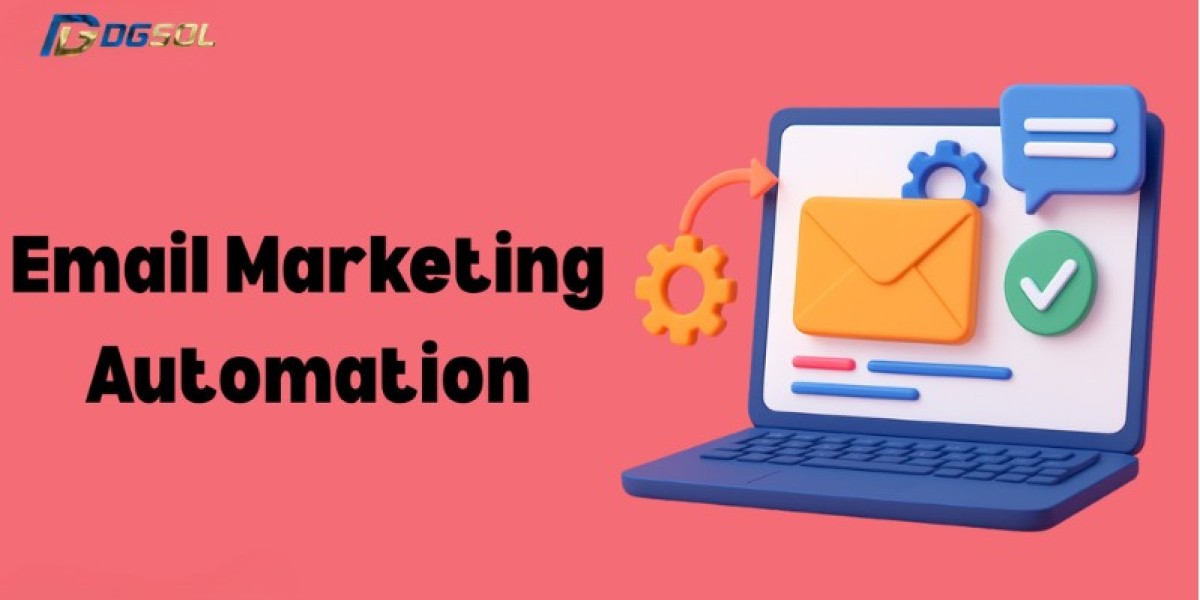

Email marketing automation helps businesses send relevant messages in response to subscriber actions, preferences, and customer milestones. Instead of manually sending every follow-up, a business can create workflows that welcome new subscribers, answer common questions, support onboarding, and reconnect with people who have stopped engaging.
The strongest automation starts with useful communication, not simply sending more emails. Each message should have a clear purpose, arrive at the right time, and make it easy for recipients to decide what to do next. Businesses developing these journeys can also strengthen their message quality with DGSOL’s content writing services, particularly when email sequences need clear, consistent copy.
This guide explains how to plan practical email workflows, choose what to automate first, and measure whether those messages are helping the customer journey.
What Is Email Marketing Automation?
Email marketing automation uses rules and triggers to send messages when a defined event or condition occurs. A trigger might be a newsletter subscription, a resource download, a purchase, or a customer reaching a particular stage in an onboarding process.
A workflow usually contains four parts:
Trigger: The action or condition that starts the workflow.
Audience rule: The contacts eligible to receive the messages.
Message sequence: The emails, timing, and any conditional branches.
Goal and exit rule: The outcome being measured and the condition that stops further messages.
For example, a new subscriber might receive a welcome email immediately, followed by an educational message a few days later. If the subscriber makes a purchase, the welcome workflow should stop or change so the person doesn't keep receiving messages intended for prospects.
Automation is most useful when it reflects the relationship a person has with the business—not when it sends the same sequence to every contact.
1. Start With the Customer Journey
Before building a workflow, map the steps a person may take from first interest to becoming a customer and, eventually, a repeat customer.
A simple journey might include:
Discovery: A person finds the business through a search, referral, event, or other channel.
Consideration: They explore the offer, compare options, or request more information.
Decision: They purchase, book a consultation, or take another meaningful action.
Onboarding: They learn how to use the product or service.
Retention: They receive relevant support, updates, or reasons to stay engaged.
Not every business needs a complex journey map. A small company can begin with a few customer stages and expand as it learns more about how people interact with its offer.
The purpose of the map is to identify where a timely email could be helpful. It also reveals where automation is unnecessary—for example, when a human conversation would be more appropriate.
2. Choose the First Workflows Carefully
A common mistake is building too many automated sequences before the business understands its audience or has enough content to support them. Start with a small number of workflows tied to clear customer needs.
Welcome sequence
Trigger: A person subscribes to receive marketing emails.
The welcome message should confirm what the person signed up for and explain what they can expect. A short sequence may then introduce the business, share useful resources, or help the subscriber take a relevant next step.
Avoid turning the first email into a long company biography. Lead with the subscriber’s reason for signing up.
Lead follow-up
Trigger: A contact requests a resource, attends an event, or asks for more information.
This workflow should deliver what was promised and offer a relevant next step. For example, someone who downloads a guide may receive a practical follow-up that expands on the guide’s subject.
The sequence should not assume that every download means the person is ready to buy. Keep the messages useful and make any sales invitation proportionate to the contact’s demonstrated interest.
Onboarding sequence
Trigger: A customer starts using a product or service.
Onboarding emails help customers understand the next steps, find important resources, and avoid common early difficulties. A useful sequence may include a getting-started message, a short tutorial, and a way to contact support.
The workflow should stop or adjust when the customer completes the relevant onboarding action.
Re-engagement sequence
Trigger: A subscriber has not interacted with messages for a defined period.
A re-engagement email can ask whether the person still wants to receive updates or offer a simple way to manage preferences. If the contact remains inactive, reduce or stop marketing messages rather than continuing indefinitely.
Inactive contacts should be handled carefully. Repeatedly emailing people who no longer want messages can harm engagement and increase complaints.
3. Define Triggers and Exit Rules
A workflow needs clear rules for both entry and exit. Without them, contacts may receive messages that no longer match their situation.
Before activating a sequence, answer:
What exact event starts it?
Which contacts are eligible?
Can someone enter more than once?
What happens if the contact purchases, unsubscribes, or changes status?
What happens if the trigger data is missing or incorrect?
Which other workflows should pause while this one is active?
For example, a lead-nurture sequence should stop when a contact becomes a customer or asks not to receive marketing messages. A cart reminder should not continue after the order is completed.
Test these conditions with sample contacts before launch. Check not only the expected path, but also unusual paths such as a contact unsubscribing midway through the sequence.
4. Use Segmentation to Keep Messages Relevant
Segmentation groups contacts according to information that helps determine what they need. Useful starting points include:
Subscription source or the resource requested
Customer or prospect status
Product or service interest
Recent purchases or account activity
Engagement with relevant emails
Communication preferences
Begin with a few meaningful groups. Overly detailed segments can create unnecessary complexity and make it harder to maintain consistent messaging.
Use only data the business has a legitimate reason to collect and use. Make sure subscribers understand what they are signing up for, and avoid inferring sensitive personal details to personalise marketing.
5. Write Each Email Around One Useful Action
An automated sequence should feel like a connected set of helpful messages—not a pile of scheduled promotions.
For each email, define:
Purpose: What should the recipient understand or be able to do after reading it?
Main point: What is the single most important message?
Call to action: What is the clearest next step, if one is needed?
Exit condition: What recipient action means the message or sequence is no longer necessary?
Keep the subject line accurate, and the body focused. If an email needs to explain several unrelated ideas, consider splitting the information across the sequence or linking to a well-organized resource.
Personalization should improve relevance. Using a person’s name is not a substitute for sending information that matches their needs.
6. Protect Deliverability and Subscriber Trust
Automation does not remove the need for responsible sending practices. A workflow can send messages consistently, but it can also repeat a mistake at scale.
Google’s email sender guidelines describe authentication and subscription practices that help messages reach Gmail recipients as expected. Google advises senders to authenticate their domains, send to people who want their messages, and make unsubscribing straightforward. Bulk senders have additional requirements, including SPF, DKIM, DMARC, and one-click unsubscribe support.
Businesses should also understand the rules that apply to their recipients and operations. For example, the U.S. Federal Trade Commission’s CAN-SPAM compliance guide explains requirements for commercial email under U.S. law. Requirements vary by jurisdiction, so businesses should check the rules relevant to their audience rather than assume one country’s law applies everywhere.
Practical safeguards include:
Use permission-based lists and keep records of how contacts subscribed.
Make the sender identity and subject line clear and accurate.
Include a working unsubscribe option in marketing emails.
Remove or suppress unsubscribed contacts promptly.
Monitor bounces, complaints, and engagement.
Avoid purchasing lists or sending to people who did not agree to receive marketing messages.
7. Measure the Workflow’s Actual Outcome
Open and click metrics can help diagnose email performance, but they do not necessarily show whether a workflow is achieving its business purpose.
Choose a primary measure for each sequence:
Workflow | Useful outcome to measure |
Welcome | Relevant next action taken by new subscribers |
Lead follow-up | Qualified enquiries or requested consultations |
Onboarding | Completion of an important setup or adoption step |
Re-engagement | Subscribers who actively choose to stay engaged |
Post-purchase education | Successful product use or reduced avoidable support needs |
Review the results alongside unsubscribe rates, complaints, and other signs that the sequence may be irrelevant or excessive.
Use a consistent measurement window and compare similar groups where possible. If a workflow changes, record what changed and when. This makes it easier to determine whether a result is connected to the new message, timing, audience, or offer.
8. Test the Workflow Before and After Launch
Testing should cover both the content and the automation logic.
Before launch, check:
Every link and call to action works.
Messages display correctly on mobile and desktop.
Personalization fields have sensible fallback text.
Triggers and delays work as intended.
Exit rules prevent unnecessary follow-up.
Unsubscribed contacts are excluded.
The sequence does not conflict with other active workflows.
After launch, review the workflow at a regular interval. Look for unexpected enrollment, duplicate messages, weak engagement, or contacts receiving messages after completing the intended action.
Do not change every element at once. Make a focused adjustment, then review whether it improves results. This creates a clearer learning process and reduces the risk of introducing new problems.
Common Email Automation Mistakes
Automating before the process is clear. If the business cannot explain what should happen manually, it is unlikely to automate the process well.
Sending too frequently. More messages do not automatically create more engagement. Set a reasonable cadence and consider how different workflows may overlap.
Leaving sequences running after the goal is complete. Use exit rules so customers do not continue receiving prospect messages.
Using generic content for every contact. A workflow should respond to a meaningful action or need. If every contact receives the same message, automation may add little value.
Measuring only opens. Open rates alone don't show that the workflow created a useful business outcome. Connect email activity to the action the sequence is meant to support.
Ignoring list health. Unsubscribes, complaints, and repeated bounces are signals to investigate, not metrics to overlook.
Final Thoughts
Email marketing automation works best when it makes communication more timely and relevant. Start with a clear customer journey, build a small number of useful workflows, and define entry rules, exit conditions, and meaningful outcomes before launch.
As the business learns from subscriber behaviour and customer needs, it can improve the messages and add complexity where it is genuinely useful. The goal is not to automate every email. It is to make each automated message earn its place in the customer relationship.